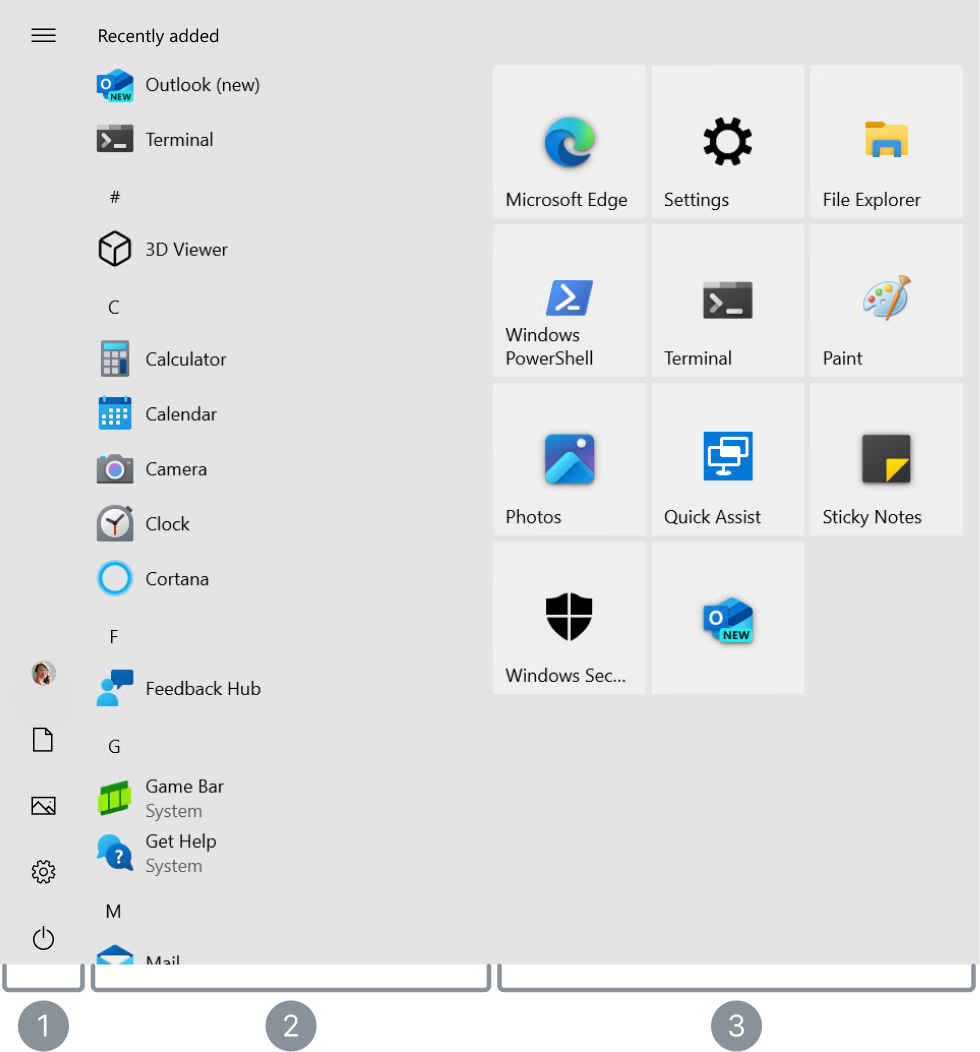
1. Opening a Program

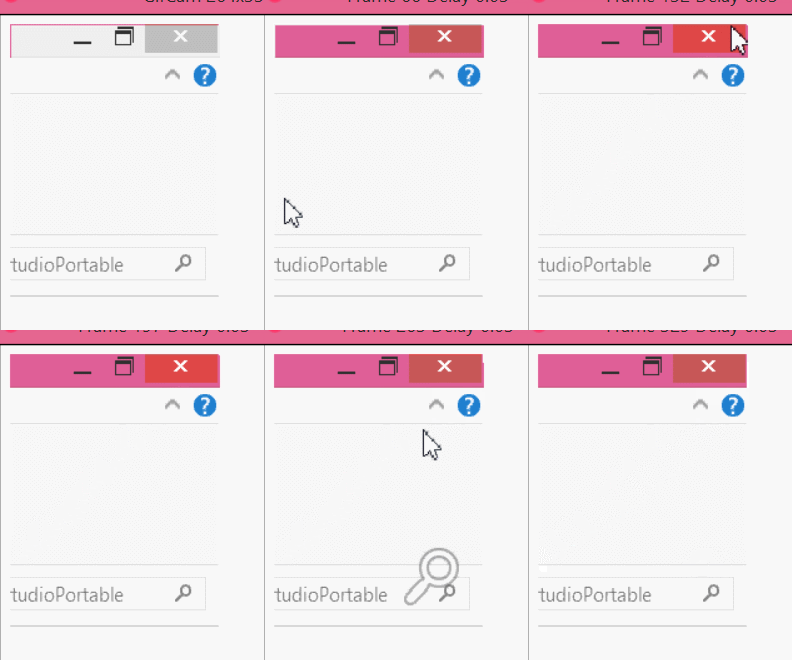
❌ 2. Closing a Program


f you have more than one program open, you can switch between them easily.
👉 Watch how it works:
(your GIF)
👉 Click the icons at the bottom of the screen (taskbar) to switch between programs.

f you have more than one program open, you can switch between them easily.
👉 Watch how it works:
(your GIF)
👉 Click the icons at the bottom of the screen (taskbar) to switch between programs.